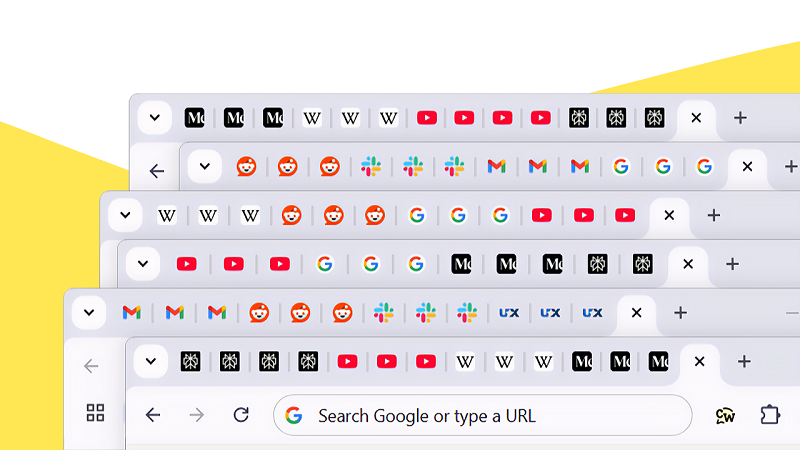
While browsing the internet, many of us keep multiple tabs open at the same time—Facebook on one tab, YouTube on another, and several other websites running in the background. When this happens, it often feels like the internet has become slower. But does opening many tabs really reduce internet speed? Let’s break it down from a technical perspective.
Do Multiple Tabs Directly Slow Down Internet Speed?
The short answer is no. Simply opening multiple tabs does not directly slow down your internet connection. If a tab contains static content—such as a blog post or an article—it uses internet bandwidth only once, during the initial loading. After that, it does not consume additional data.
However, certain situations can create the impression of slower internet.
When Does Internet Speed Get Affected?
1. Background Data Usage
If a tab is playing videos automatically (such as YouTube or Facebook) or downloading files in the background, it continuously consumes bandwidth. As a result, other websites may load more slowly.
2. Auto-Refreshing Websites
Some websites—such as news portals, stock market dashboards, or live tracking pages—refresh automatically at regular intervals. Keeping many such tabs open can repeatedly use data and impact overall browsing speed.
The Real Issue: RAM and Processor Load
In most cases, the real problem is not internet speed, but the device’s RAM and CPU performance. Browsers like Google Chrome allocate separate memory for each tab. When too many tabs are open, RAM gets overloaded, causing the system to slow down. This system lag is often mistaken for slow internet.
Why Is This Worse on Smartphones?
Compared to laptops or desktops, smartphones have limited processing power and memory. Opening many tabs on a phone can:
- Drain the battery faster
- Cause the device to overheat
- Increase background data usage
As a result, mobile browsing can become sluggish more quickly.
How to Fix the Problem?
✔ Close unused tabs regularly
✔ Enable Memory Saver or Tab Discarding features in modern browsers
✔ Disable auto-play videos
✔ Use tab management extensions such as The Great Suspender-type tools
Final Verdict
Opening multiple browser tabs does not directly slow down your internet speed, but it can significantly reduce your device’s performance—making it feel like the internet is slow. For a smoother browsing experience, it’s best to keep only the tabs you actually need open.